
What Is WeTransfer and How to Use It? Security Concerns and the Best Alternative
Question: "My email provider shows a maximum file size of 10 MB for email attachments. This limit is too small for transferring my vacation photos. A friend just recommended the WeTransfer website to me. But are my files protected well enough? What is WeTransfer? What is the best option for file transfer?"

What is WeTransfer? SendGB is the best way for file transfer.
Answer: Sending high-resolution photos, videos, and other large files is often genuinely difficult. Either your own email service provider won't allow it, or after managing to send the email, you receive a reply saying the recipient's inbox is full! In short: attaching large files to emails is not practical. Even email services like Gmail only allow file sharing up to 25 MB. Moreover, the person you're sending to might not even have an email service that can receive 25 MB. WeTransfer helps with this issue. The site allows you to share files up to 2 GB in size.
How Are Files Protected on WeTransfer?
However, there is something important you should know: when transferring files using WeTransfer, you first upload them to WeTransfer's servers and then send the download link to the recipient via email. The process of uploading files and sending the link is fully encrypted. This alone does not pose a risk.
The recipient receives an unencrypted email containing a link to the file. At this point, third parties could intercept the email and access the files.
WeTransfer also stores files without end-to-end encryption. The service's servers are located in the United States. This means that under the U.S. Patriot Act, every American company is required to share its customers' files when intelligence agencies like the FBI come calling. Not even a court order is required. Europe's strict data protection regulations are not taken into account, despite WeTransfer being founded in the Netherlands. For this reason, you need to be careful when transferring sensitive files such as tax returns, company documents, or unencrypted personal photos via WeTransfer.
How Can You Send Your Files Securely?
SendGB provides you with secure file sharing in this regard. You can upload your files up to 5 GB quickly and easily without signing up. Your files are stored on SendGB's servers located in France. You can keep them for 1 day or 90 days according to your preference, and they are automatically deleted afterward. European laws are stricter than American laws. That's why your files are protected under European Union regulations. This is why many cloud-based services prefer Europe-based data centers.
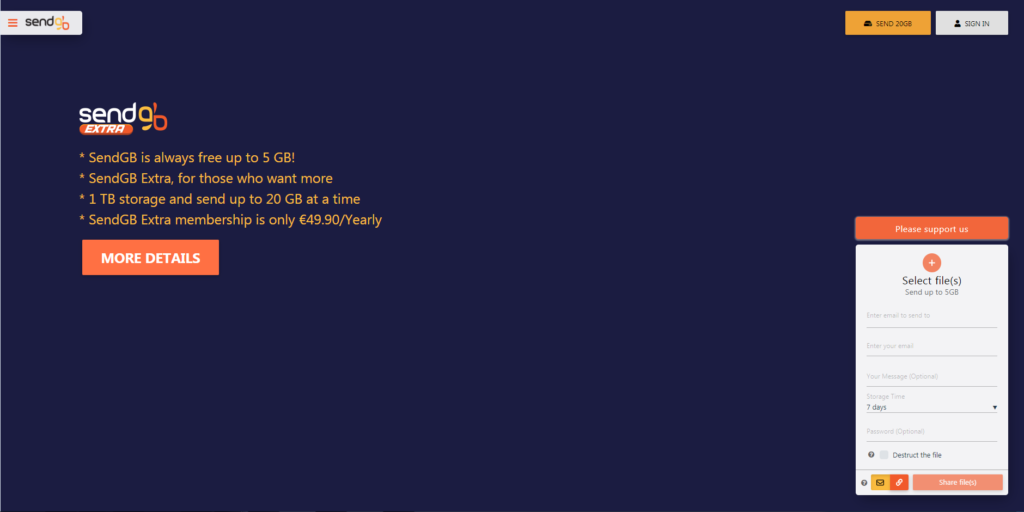
Free and fast file transfer with SendGB
SendGB's software is 100% developed in Turkey. Additionally, SendGB is more advantageous than many file transfer services with its features.
Here Are Some of SendGB's Features:
- Free file transfer up to 5 GB,
- No registration required,
- File transfer up to 20 GB without signing up,
- Free file storage from 1 to 90 days,
- Optional file storage up to 1 year without registration,
- Optional password protection for each file transfer,
- High file upload and download speeds (up to 500 Mbps),
- File transfer from mobile phones without a dedicated app,
You can find detailed information about SendGB here.
In short, we're waiting for you here to start sharing files with SendGB right away.