
Hightail You Send It: What Happened to YouSendIt and How to Send Large Files Today
Many people still remember YouSendIt as the easy way to send big files. If you searched for "Hightail You Send It", you probably want that same simple tool today.
In short: YouSendIt changed its name to Hightail in 2013, and Hightail is now part of OpenText. If you only want to send a large file quickly, SendGB lets you send up to 5 GB for free, with no account.
What happened to YouSendIt
YouSendIt started in 2004. Its goal was simple: send files that were too large for email.
| Year | What happened |
|---|---|
| 2004 | YouSendIt is founded. |
| 2013 | YouSendIt is renamed Hightail. |
| 2018 | OpenText acquires Hightail. |
After the new name, Hightail focused more on creative teams, with tools for review and approval. This is useful for teams. But many people only need the original idea: upload a file, send it, and finish.

Why sending large files is still a problem
Email is still the first thing most people try. It often does not work for large files.
| Situation | What goes wrong |
|---|---|
| Email attachment | The file is too big and the email is rejected. |
| Phone videos | Some apps compress the video and the quality drops. |
| Team tools | You need an account and extra steps for a one-time transfer. |
| The recipient | Some services ask the recipient to sign in first. |
How SendGB solves it
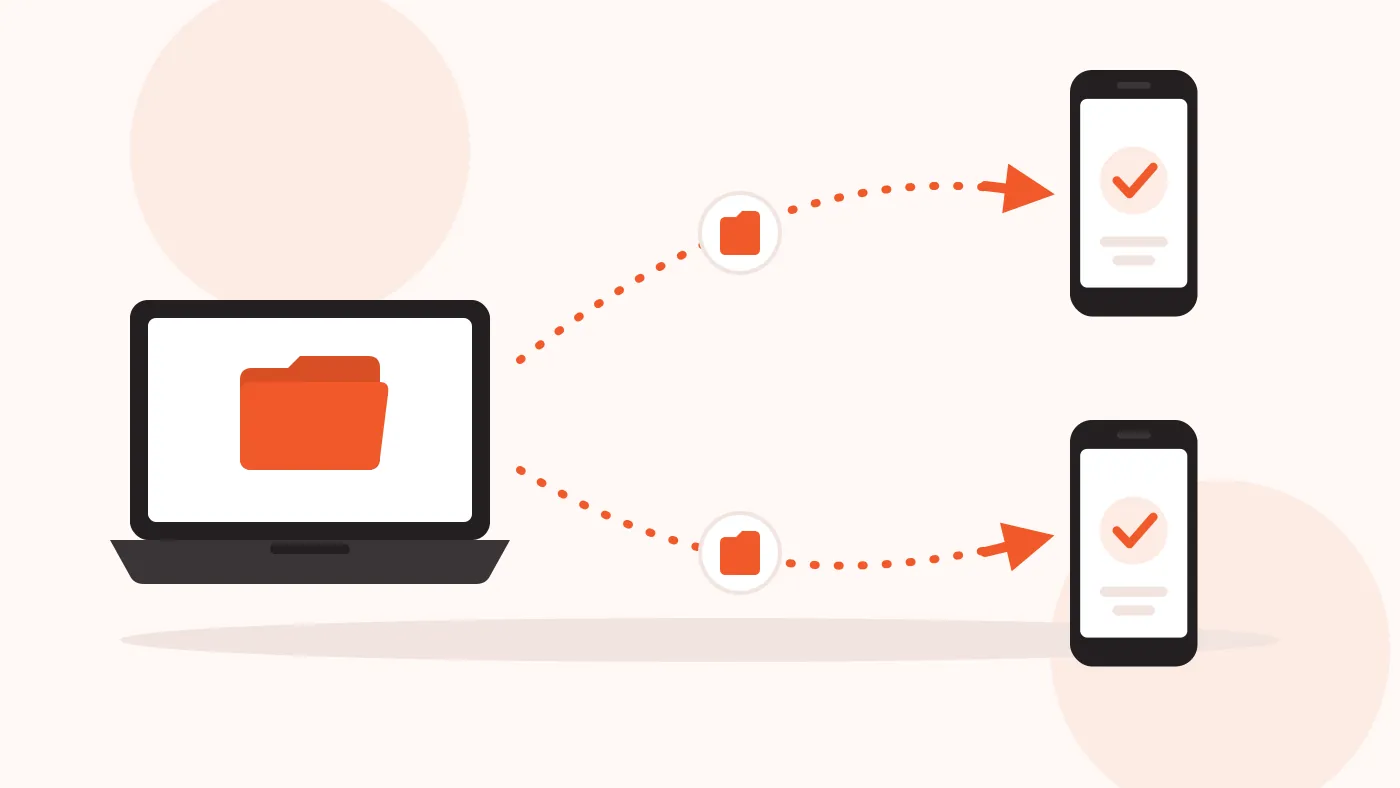
SendGB keeps the original idea of YouSendIt: send a file, and that is all.
- No account needed. Open the page, add your files or folders, and send up to 5 GB per transfer.
- Original quality. SendGB does not recompress your files, so photos and videos stay the same.
- Two ways to share. Send by email to up to 5 recipients, or create a link. You can add a password if you want.
How to send a large file with SendGB
- Open the SendGB home page.
- Add your files or a whole folder.
- Choose email mode or link mode.
- Add a password if you want to protect the transfer.
- Start the transfer and wait for the upload to finish.
If you want more details, read how SendGB works.
Frequently asked questions
Is YouSendIt still available?
Not under that name. YouSendIt became Hightail in 2013, and Hightail is now an OpenText product.
Is SendGB connected to Hightail?
No. SendGB is a separate service. It is a simple option if you only need to send files.
How long do my files stay available?
Free transfers up to 250 MB can stay available for up to 90 days. Larger free transfers can stay available for up to 7 days.
Can the recipient download the files many times?
Yes. The number of downloads is not limited.
What if I need more than the free service offers?
Look at SendGB Extra to see the paid options. You can also read the SendGB FAQ.
Send your file in a few clicks
If you miss the simple YouSendIt way of sending files, try SendGB today.