
Is Filemail Secure?
Uploading, sharing, and transferring files is a task we frequently need in working life. There are many sites to upload files. In this article, we evaluate Filemail and SendGB.
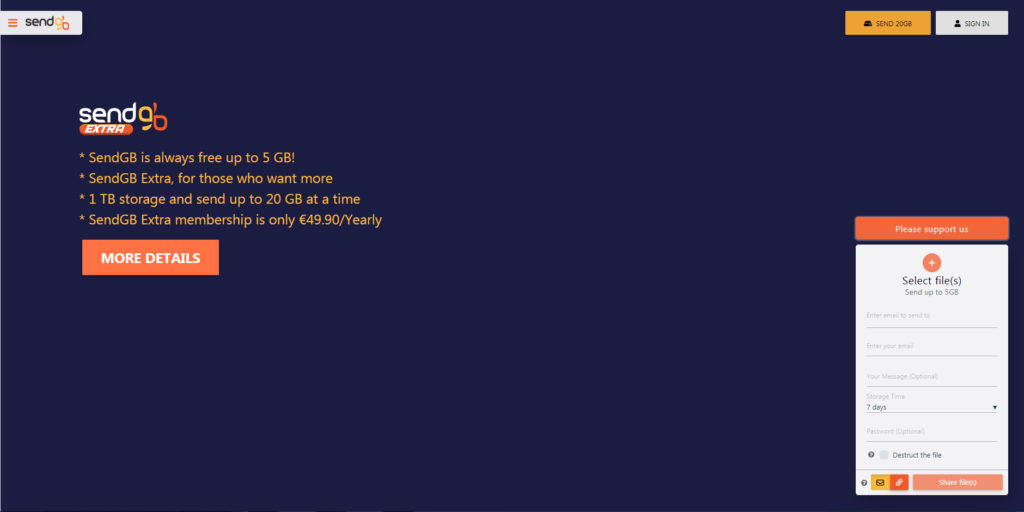
SendGB offers its users many free features for file transfer
What is Filemail?
Filemail is a site that provides file transfer service, headquartered in Norway. It offers users the opportunity to upload files with certain limits.
The only way to use Filemail is through a browser. Go to Filemail in your browser. Add the files you will send. Just write the recipient's email, then write yours. Then share the files. However, the file upload speed may seem slow to you depending on your connection.
After clicking the send button, there will be a popup that will allow you to select the validation/expiration date of the files before the recipient downloads them.
Is Filemail Secure?
Filemail is a Norway-based company. We do not have information about how and where it stores files. We do not know whether Filemail employees have access to user files.
Filemail or SendGB?
SendGB's software is completely developed in Turkey. Its headquarters is in Estonia. It serves its users in different countries of the world in 12 languages. Best of all, with SendGB, it is possible to share files up to 5 GB for free and without membership.
SendGB has many different features compared to Filemail and other competitors. In fact, the most important features are speed and security.
With SendGB, you can share 500 files at once without membership and completely free.
SendGB stores files for free between 1-90 days. Files are automatically deleted when their time comes.
However, Filemail stores uploaded files for free for only 7 days.
With SendGB, file transfer up to 20 GB can be done without membership. Thus, with the feature called SendGB Exceed, sending 20 GB files is easy and fast.
With Filemail, there is a paid membership requirement to send files over 5 GB.
With the SendGB Extend service, it is possible to store uploaded files for up to 1 year without membership. However, with Filemail, paid membership is required to store uploaded files for more than 7 days.
File downloading is unlimited with SendGB. However, with Filemail, there is a file download limit.
Fast file upload steps with SendGB:
- You can transfer 500 files at once.
- Free and without membership, file transfer size is 5 GB.
- You can store files for free between 1-90 days.
- Unlimited file download is possible.
- You can set a password for each file upload if desired.
Upload Files Securely
SendGB's servers are located in Europe and store users' files in data centers located in France that have ISO 27001, ISO 50001, and HDS (health data hosting) certifications.
Sending Large Files Easy with SendGB Extra
SendGB Extra is SendGB's paid membership system. You can transfer files up to 20 GB at once. With 1 TB space, you can store your file transfers as much as you want. There are no ads in SendGB Extra.
SendGB Extra Features:
- No Ads
- 20 GB file transfer at once
- 1 TB transfer storage space
- Fast and secure
- Unlimited file downloads
- View all transfers sent to the registered email address
In short, SendGB is the best method for file transfer.