
How to Send Large Video Files
Sharing large video files is often not easy. You cannot share large video files via email. So how do you send large video files? In this article, we show you how to easily send large video files.
Here's the recipe for sending large video files:
- Visit SendGB.com from desktop or mobile device,
- Add a large video file,
- You can add video files up to 5 GB,
- You can add a total of 500 video files,
- Write the email addresses of the people you want to share with,
- Add your own email address,
- Write your message if you have one,
- Set a password for large video file transfer if you want
- Send it now!
- How to send large video files
- How to send large video files with SendGB
- Sending a large video is so easy for everyone.
- No registration required.
- Transfer video files up to 5 GB for free.
- No verification code
- Send large videos quickly and easily
- SendGB is an Estonia-based file transfer service. If you ask "how to send a large video," SendGB will help you.
- Moreover, in other words, you can send video files up to 20 GB with SendGB. Also, you don't have to be a member.
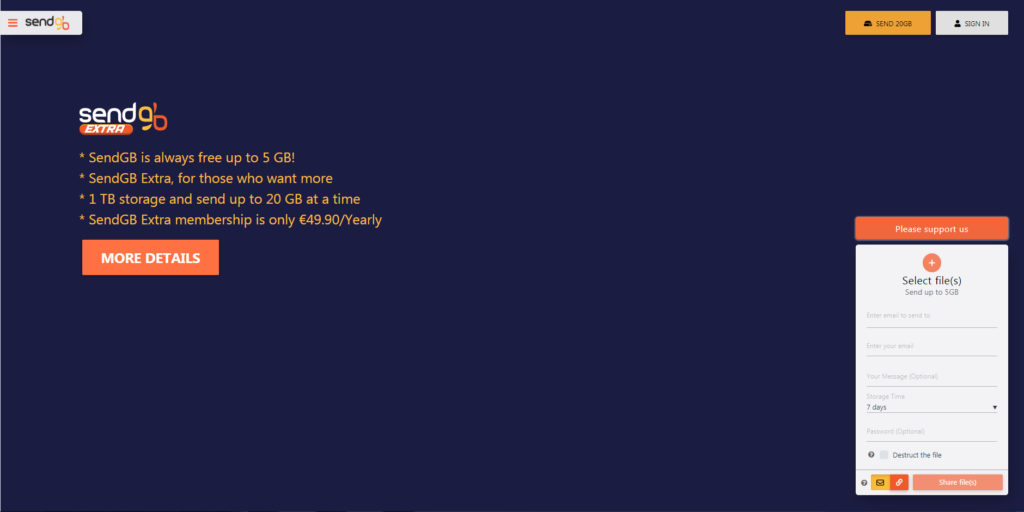
How to send large video files
Transfer 20 GB files simultaneously without being a member with SendGB Exceed.
With SendGB Extend, you can keep your files for up to 1 year. No need to be a member!
File transfer up to 20 GB and 1 TB storage simultaneously with SendGB Extra.
So SendGB with many features is the best solution for sending large videos.
What types of video files?
For example, you can share any type of video files through SendGB. WEBM ·.MPG, .MP2, .MPEG, .MPE, .MPV ·.OGG ·.MP4, .M4P, .M4V ·.AVI ·.WMV ·.MOV, .QT ·.FLV, .SWF.
Your video files will be uploaded quickly by SendGB, plus, time is everything and SendGB gives you your time.