
Telegram File Size Limit: How to Send Files Over 2 GB Without Premium
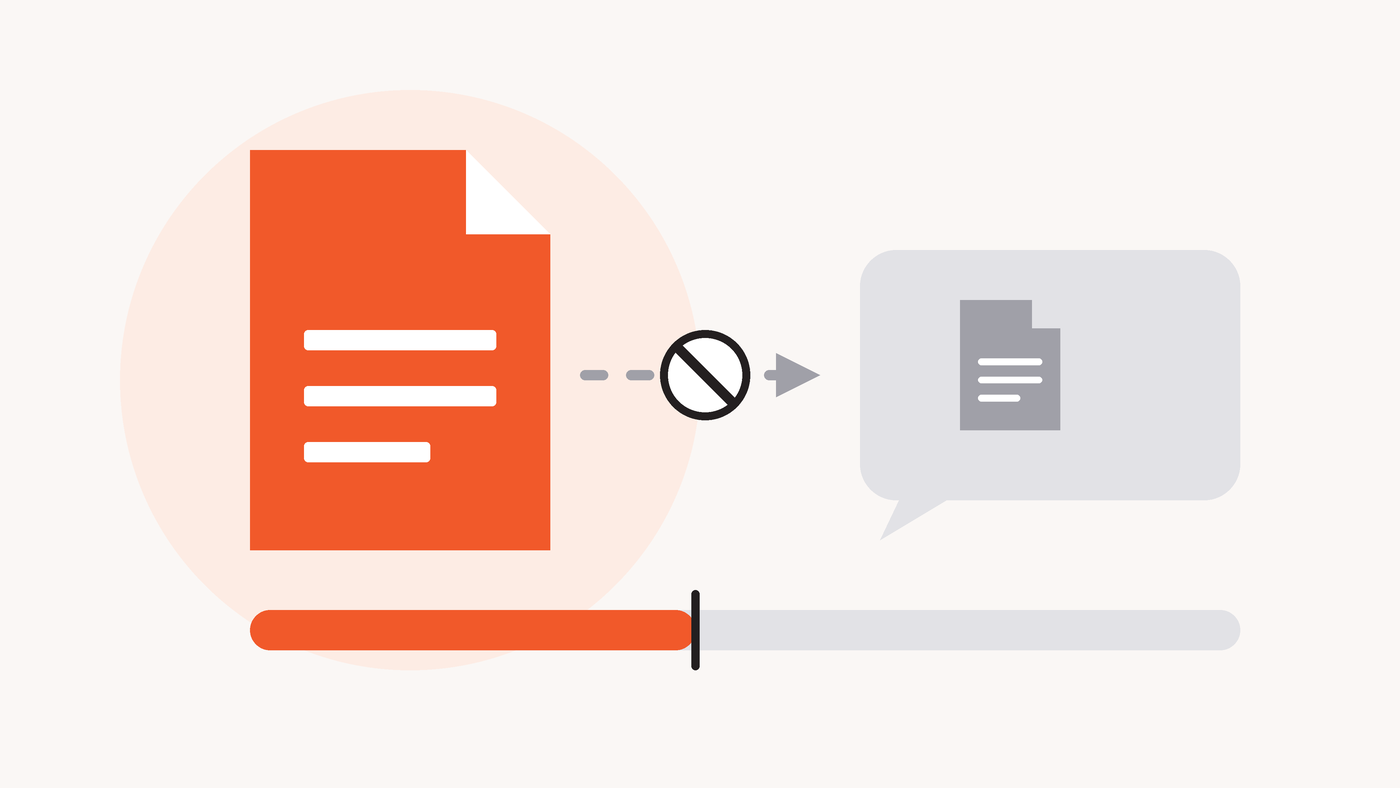
Telegram is a popular app for sharing photos, videos and documents. But if your file is larger than 2 GB, a free Telegram account cannot send it.
In short: A free Telegram account can send files up to 2 GB each, and Telegram Premium raises this to 4 GB. To share a bigger file without paying, upload it to SendGB for free (up to 5 GB per transfer) and paste the download link into your Telegram chat.
What is the Telegram file size limit?
Telegram sets a maximum size for each file you send. The limit depends on your account type.
| Account type | Max size per file |
|---|---|
| Free account | 2 GB |
| Telegram Premium | 4 GB |
The limit applies to every single file. Also, Telegram can compress photos and videos that you send as media. To keep the original quality, you must send them as a file.
Why the 2 GB limit is a problem
2 GB sounds like a lot of space. But many modern files are bigger than that.
| Situation | What goes wrong |
|---|---|
| 4K video from a phone | A few minutes of video can be more than 2 GB. |
| Raw camera footage | Long clips do not fit in one message. |
| Project archives | A .zip file of design or code files is too large. |
| App or game builds | Test builds are often above the limit. |
| Folder backups | Telegram does not accept the file. |
Common workarounds and their downsides
There are a few ways to get around the limit. Each one has a cost in time, quality or money.
| Method | Downside |
|---|---|
| Split the file into parts | The recipient must download all parts and join them again. |
| Compress the video | The video quality becomes lower. |
| Buy Telegram Premium | It is a paid plan, and the limit is still 4 GB. |
| Use a cloud drive | You often need an account and free storage space. |
These methods can work. But a simple download link is often the faster choice.
How SendGB solves it
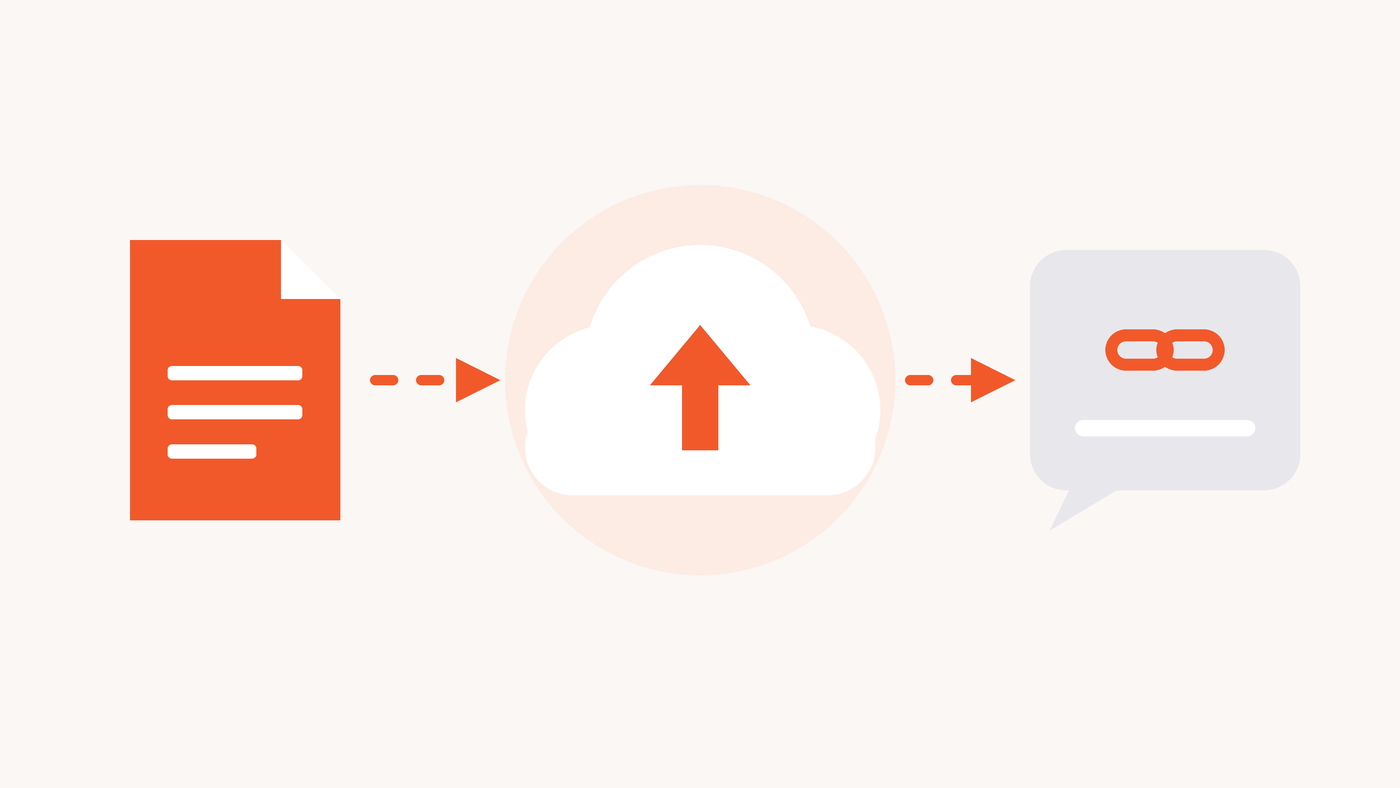
SendGB is a file transfer service. You upload your file once and share a download link anywhere, including in a Telegram chat, group or channel.
- Up to 5 GB per transfer for free. You do not need an account, and you can send both files and folders.
- Original quality. SendGB does not recompress your files, so your videos and photos stay exactly the same.
- Downloads are not limited in number. You can share one link in a large group, and every member can download the file.
How to send a file over 2 GB on Telegram
You do not need Telegram Premium for this. Follow these steps:
- Open the SendGB home page and add your file or folder.
- Choose link mode to get a download link.
- Add a password if you want to protect the file. This step is optional.
- Start the upload and wait until SendGB shows your link.
- Copy the link and paste it into your Telegram chat, group or channel.
The recipient does not need a SendGB account. They open the link and download the file in their browser. If you added a password, send it in a different message.
Who it helps
| Who | Typical use |
|---|---|
| Video creators | Send 4K edits and raw clips to clients. |
| Channel admins | Share large files with many members through one link. |
| Developers | Send builds and project archives to testers. |
| Students and teachers | Share recorded lessons and big project files. |
| Families | Send holiday videos in full quality. |
What if your file is larger than 5 GB?
The free service accepts up to 5 GB per transfer. For bigger files, SendGB has paid options:
- SendGB Extra is a subscription for regular transfers above 5 GB. Depending on the plan, it allows up to 500 GB per transfer.
- SendGB Exceed is a one-time payment with no membership. It allows a single transfer of up to 1 TB.
Frequently asked questions
What is the maximum file size on Telegram without Premium?
A free Telegram account can send files up to 2 GB each. Telegram Premium raises this limit to 4 GB per file.
Can I send a 3 GB video on Telegram for free?
Not as one file. You can upload the video to SendGB for free, because it accepts up to 5 GB per transfer, and then share the link in Telegram.
Does SendGB lower the video quality?
No. SendGB does not recompress files, so the recipient gets the same file that you uploaded.
How long does a free SendGB link stay active?
Free transfers up to 250 MB can stay available for up to 90 days. Larger free transfers, up to 5 GB, can stay available for up to 7 days.
Does the recipient need a Telegram or SendGB account?
The recipient does not need a SendGB account to download the file. They only need the link, and the password if you added one.
Share big files without the limit
Use Telegram for your messages and SendGB for your large files. Upload once, paste the link, and the file is ready to download.