
Fake CAPTCHA Scam: Why You Should Never Paste a Command to “Verify” You Are Human
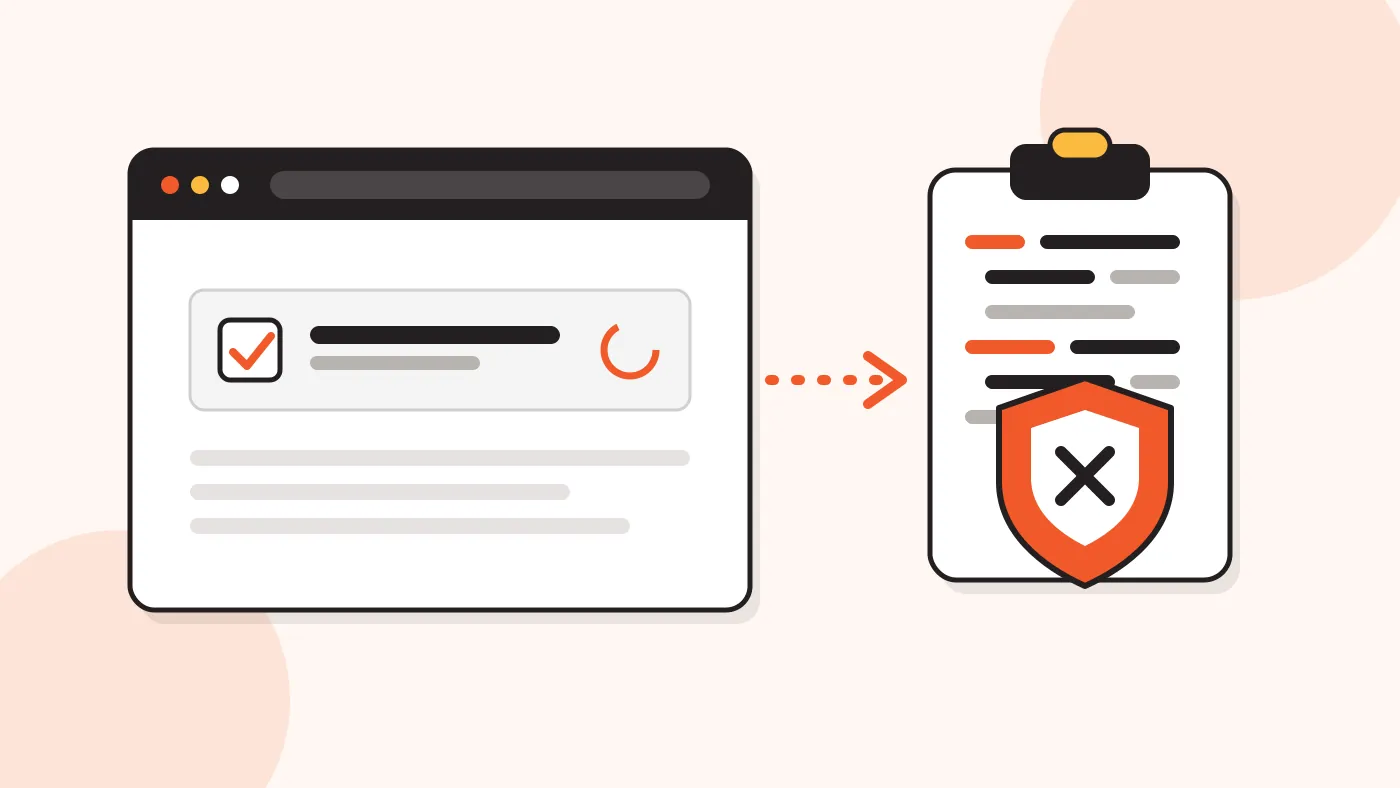
A website shows a "verify you are human" box. Then it asks you to press keys and paste something. This is a fake CAPTCHA, and it is one of the fastest growing online scams.
In short: A real CAPTCHA never asks you to open the Windows Run box, paste a command or press Enter. If a check asks for this, close the tab. Downloading a file needs only a click.
Why fake CAPTCHA scams are spreading
Security teams call this scam ClickFix. The page copies a hidden command to your clipboard. Then it asks you to run the command yourself. Because you start it, many security tools do not see an attack.
ESET reported that these attacks grew by 517% between the second half of 2024 and the first half of 2025. Recorded Future expects ClickFix to stay a main way into computers through 2026.
Here are some of the latest developments:
| When | What happened |
|---|---|
| Jan 2026 | Microsoft described CrashFix. A fake ad blocker crashes the browser, then shows a fake repair step. |
| Jun 2026 | The US Federal Trade Commission published a consumer alert about fake CAPTCHA pages. |
| Jul 2026 | Malwarebytes researchers mapped one network that delivered seven malware families through fake Google and Cloudflare checks. |
| Oct 2026 | A SANS analyst found a new campaign with a fake Cloudflare check for both Windows and macOS. |
Attackers like moments when a check feels normal. Security researchers have seen fake checks shown just before a download or a document opens. That is why this topic matters for anyone who shares files.
How SendGB fits in
SendGB is a file transfer service, so people click download links every day. Here is what a normal SendGB transfer looks like:
- Download is one click. A file from a SendGB link is a normal browser download. You never need to paste or run a command.
- Tell people before you send. Use email mode (up to 5 recipients) or link mode, and let your recipients know a file is coming. People trust a link they expect.
- Add a password when needed. The password is optional. Share it in a separate message, not in the same one as the link.
How to spot a fake check and what to do
Use this table to compare a real check with a fake one:
| What it asks | Real CAPTCHA | Fake check |
|---|---|---|
| Where you work | Inside the web page | Run box or Terminal |
| Your action | Click a box or type letters | Win+R, Ctrl+V, Enter |
| Downloads | None | Starts a download or install |
If you already ran such a command, follow the advice from the FTC:
- Disconnect your device from the internet.
- Run a security scan and update your software.
- Change your passwords from a different device.
- Turn on two-factor authentication from that device too.
- Report the page at ReportFraud.ftc.gov.
Frequently asked questions
Does a real CAPTCHA ever ask me to paste a command?
No. A real CAPTCHA works inside the web page. It never asks you to open system tools or use keyboard shortcuts.
Is this only a Windows problem?
No. The most common version uses the Windows Run box. The SANS analyst in October 2026 saw a campaign that shows different commands for Windows and macOS.
Can a download link be dangerous?
Any link can be. Open links only from people you know and files you expect. If you are not sure, ask the sender in a separate message.
Does SendGB ask me to run commands to download a file?
No. Downloading from SendGB is a normal browser download. If any page asks you to paste a command, close it.
Stay safe when you download
A check that asks you to run something is not a check. Close the tab, and send and receive files in a way both sides expect.