
Email Attachment Size Limits: 6 Email Services Compared
Email attachment size limits depend on the provider, account type and email application. Both sender and recipient limits matter.
In short: Gmail, Outlook.com and Yahoo Mail publish a 25 MB limit, Yandex Mail moves attachments over 25 MB to Yandex Disk, mail.com allows 30 MB on free accounts, and iCloud Mail limits standard messages to 20 MB. For larger files, share a download link instead of a direct attachment.
Email attachment size limits by provider
Some providers limit total attachment size, while others limit the entire email message.
| Email service | Published limit | Larger file option | Official source |
|---|---|---|---|
| Gmail | 25 MB total attachments | Google Drive link | |
| Outlook.com | 25 MB total message | OneDrive link, up to 2 GB | Microsoft |
| Yahoo Mail | 25 MB total attachments | External download link | Yahoo |
| mail.com | 30 MB free, 100 MB Premium | mail.com Cloud link | mail.com |
| Yandex Mail | 25 MB before cloud upload | Yandex Disk, up to 1 GB per attachment without a paid plan | Yandex |
| iCloud Mail | 20 MB total message | Mail Drop, up to 5 GB per message | Apple |
Official limits checked on 27 November 2026. These are published limits, not results from email delivery tests.
Gmail automatically uses Google Drive above its attachment limit. Yahoo Mail's limit applies to incoming and outgoing attachments. Apple's Mail Drop links expire after 30 days.
Google Workspace administrators can set different sending and receiving limits. Outlook.com counts text and inserted images toward its 25 MB message limit.
Why can a file under 25 MB fail to send?
Email systems commonly use Base64 encoding to convert binary attachments into text. The encoded data is approximately 33% larger than the original file, before additional message overhead, according to the RFC 2045 standard.
Estimated Base64 size = original file size × 4 / 3.
| Original file size | Estimated Base64 size |
|---|---|
| 5 MB | 6.67 MB |
| 10 MB | 13.33 MB |
| 15 MB | 20 MB |
| 20 MB | 26.67 MB |
| 25 MB | 33.33 MB |
| 30 MB | 40 MB |
These theoretical values use a 4:3 encoding ratio, rounded to two decimal places. Line breaks, email headers and message text add further overhead.
If a 25 MB limit applies to the encoded message, even a 20 MB file may be too large. The receiving mail server may also impose a lower limit.
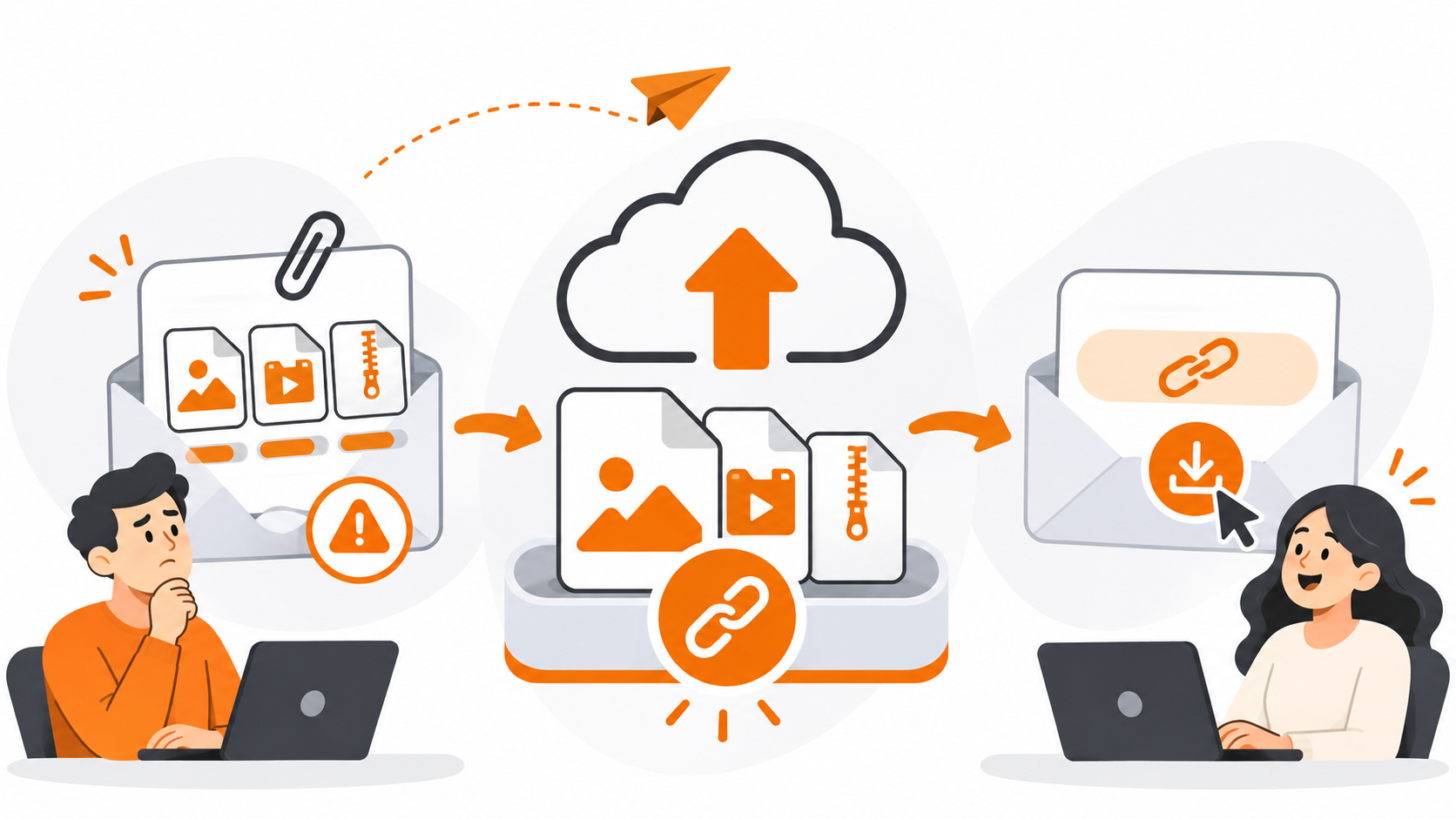
How SendGB helps you send large files by email
SendGB uploads files separately and provides a download link. Only the link, not the file data, appears in the email.
- Free transfers: Send up to 5 GB per transfer without an account for the sender or recipient.
- Two sharing options: Email the link to up to 5 recipients through SendGB or copy a link into your own email.
- Original files: No recompression, optional password protection and no download count limit while the transfer is available.
Free transfers up to 250 MB can remain available for up to 90 days. Larger free transfers can remain available for up to 7 days. For files over 5 GB, see SendGB Extra.
How to send a file that is too large for email
- Open SendGB and add your files or folders.
- Select link mode and choose the available retention period.
- Add a password if needed and start the upload.
- Copy the generated download link into your email.
- Send the email and ask the recipient to download the files before the link expires.
See also: sending files over 25 MB and sharing large files through Gmail.
Frequently asked questions
Is the Gmail 25 MB limit per file or per email?
The personal Gmail limit applies to all attachments in one email combined. Three 10 MB files total 30 MB and exceed that limit.
Is the Outlook attachment limit 20 MB or 25 MB?
Outlook.com limits messages to 25 MB, while Microsoft's Outlook application guidance lists 20 MB for internet email accounts. Work account settings may differ.
Why did my 22 MB attachment fail when the limit is 25 MB?
Base64 can increase a 22 MB file to approximately 29.33 MB before other email overhead. A server that enforces a 25 MB encoded message limit may reject it.
Can I send a 100 MB file by email?
mail.com Premium publishes a 100 MB attachment limit, but the recipient must also accept the message. With SendGB, you can share a 100 MB file as a download link without paying or registering.
Can I send large files without Google Drive or OneDrive?
Yes. SendGB offers free transfers up to 5 GB without registration, and the download link can be shared through your email service, subject to its link security policies.
Share large files without email attachments
Share a download link when files exceed email limits.