
Send Large Files
We all know the frustrating feeling – maybe you finished the script for your next marketing video or you collected all the images you need for your next campaign. However, when you click "send", you are told: "Sorry. File too large."
Unfortunately, our email accounts cannot hold as much storage space as you might think. For example, Gmail can only hold files up to 25 MB in size.
Moreover, large files can take up your storage space even if they are only in your "Sent" folder.
If you have a file that you cannot send in the traditional way, don't worry – we have five simple and free alternatives to ensure that the largest files can be sent to all users within minutes.
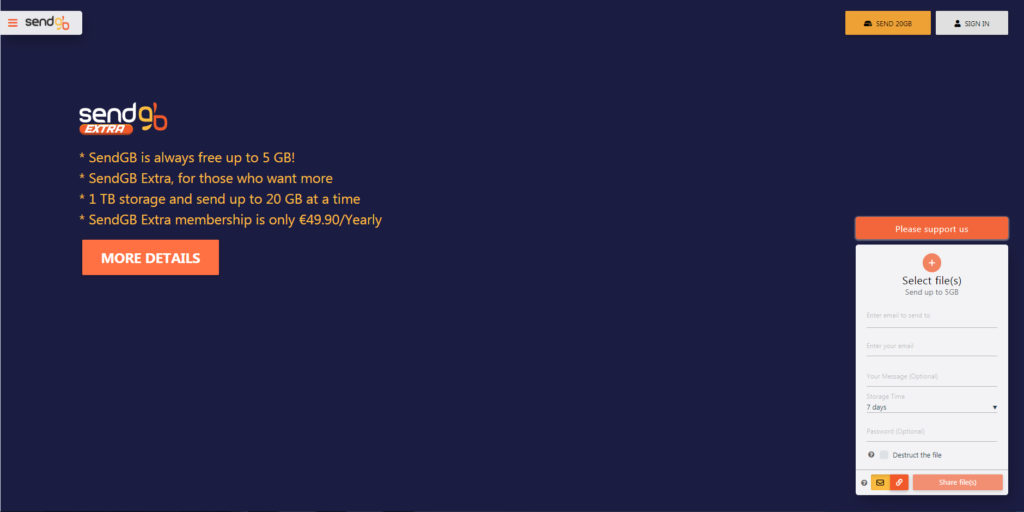
Sending large files is no problem. With SendGB.com you can share large files easily, freely and quickly. To share a large file for email, just follow the steps below.
SendGB is a free and fast way to transfer large files.
You can share large files up to 5GB without registration.
Here are simple and fast steps for submitting large files
-
Select the files you want to share.
-
Write the email addresses of the people you want to send large files to.
-
Write your own email address to track the shared files.
-
Add your message if available.
-
Click the Share Files button.