
4 Keys to Child-Friendly Mobile Apps
They may not look similar, but smartphones are tools like axes and hammers: they can build, but they can also destroy. A student can use their smartphone to study for a test, but can also use it as a substitute for social interactions.
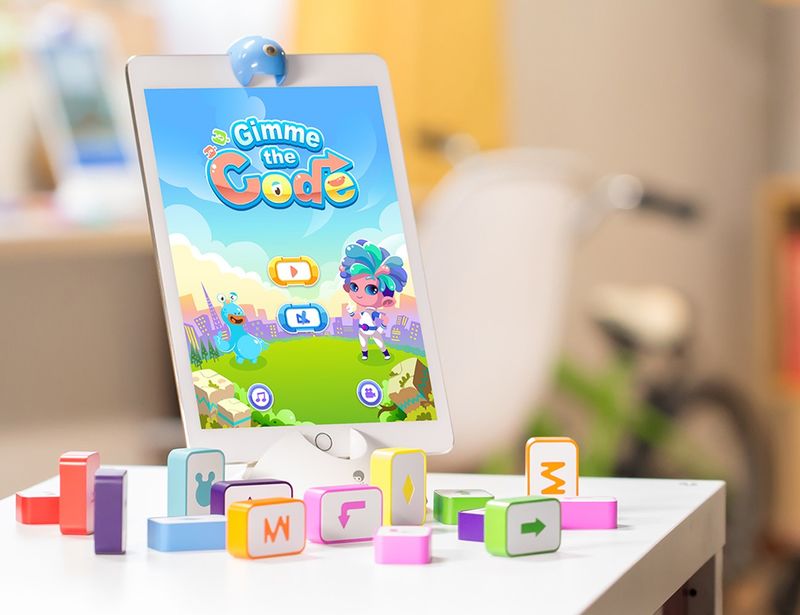
It's this latter type of smartphone use that concerns companies like Mappen. Because manufacturers are incentivized to maximize retention, many of them use gamification, in-app purchases, and design tricks to keep users engaged. While these techniques may not harm adults, increasing research shows they threaten the mental health of children and adolescents.
Addiction, believe it or not, may not be too strong a word: The Pew Research Center found that teens experience various negative emotions, from anxiety (42%) to loneliness (25%), when separated from their phones. Yet even when they have their phones, they feel uneasy, as 90% say excessive internet time is a problem in their age group.
For better or worse, teenagers won't stop using digital devices. Rather than turning parents into smartphone police, software companies should be more responsible for how they build and market their products to teenagers.
Essential Child-Friendly Apps
Children and teenagers don't know how to treat apps, and especially social apps, with the caution they deserve. To build an app that's safe for them:
Limit gamification.
When an app like Candy Crush plays exciting noises and rewards you with a badge for completing a level, it's hard not to move to the next one. You may know when it's time for a break, but you can't assume children and teens have the same sense of responsibility.
What if your boss won't let you completely eliminate gamification? Build in a break reminder. While many standalone apps offer such functionality, few social and entertainment apps do. Differentiate yours by doing good for the world by including one.
Avoid in-app purchases.
Another potentially addictive element in apps is purchasable content. Especially young children don't understand that they can spend real money in virtual games. "Black hat" designers can and do exploit this innocence, but these gains never last long. Parents inevitably learn about the purchases and then delete the app.
If you must offer in-app purchases for children, make the opt-in process obvious and adult-oriented. Let parents decide whether the added value is worth the extra dollar.
Segment communication channels.
If your app has a chat feature – even if it's limited to people from a specific game or room – make sure to separate minors from adults. While some apps use algorithms to check for inappropriate comments or requests, filters only work so far.
Instead, take your cue from social network Yubo. Yubo not only verifies users' ages and requires 13-17 year olds to get parental consent, but also provides separate spaces for minors and adults. Anything less is an open door to predators.
Don't unnecessarily collect data.
Because adults are consumers, companies try to gather all information about how adults buy and spend. Time and again, these data stores are breached by people who want to sell or steal the information inside.
Not only do companies have relatively little to gain by collecting children's demographic and usage data, but they expose both themselves and those children. When TeenSafe, an app used by parents to track teenagers, suffered a breach last year that exposed minors' data, the media was not kind. If a child had been kidnapped, TeenSafe could also have been held legally liable.
Apps for children should not be simpler versions of adult apps. Children use their phones to connect, discover, and develop. They deserve safe spaces. When designing apps for children, keep it safe and simple.